

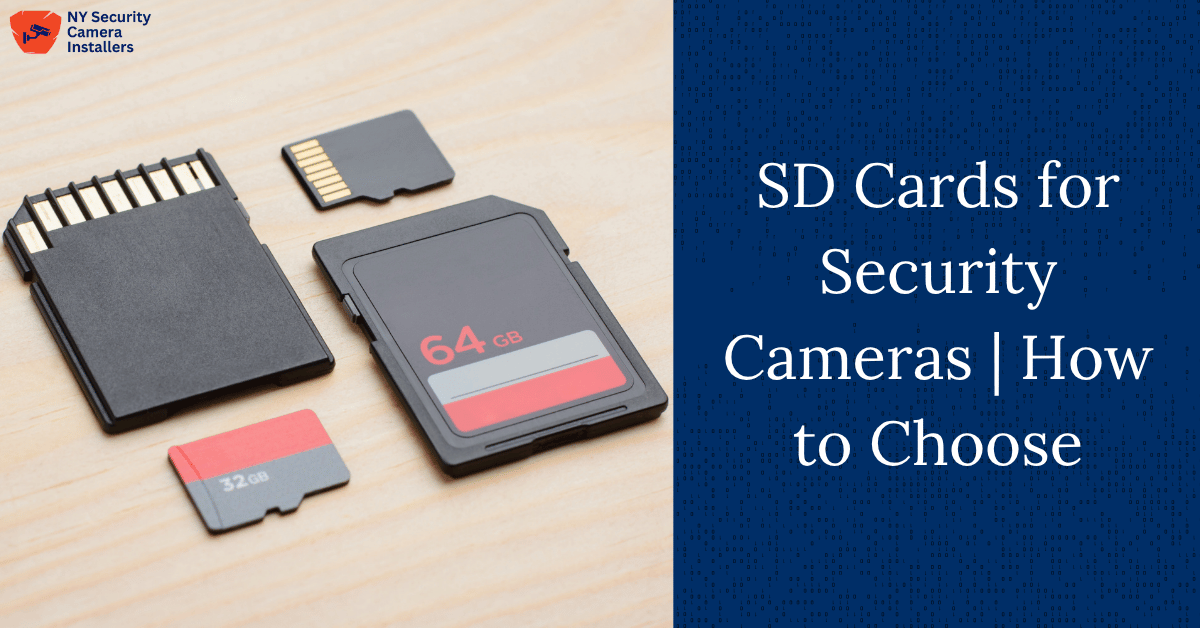
A lot goes into keeping security footage reliable – and the SD card inside your camera plays a bigger role than most realize.
The right one affects how smoothly your system records, how long files are stored, and how dependable your setup is over time.
We’ll cover everything you need to know about choosing SD cards for security cameras, from capacity and speed to endurance and weather resistance.
Key Notes
- High endurance cards last 3-10 years vs 1-1.5 years for standard cards.
- 64-256GB suits motion cameras; 128-512GB needed for continuous 24/7 recording.
- Class 10 works for HD; 4K requires U3/V30 minimum speed.
- Replace cards every 2-3 years and reformat monthly for optimal performance.
SD Card Basics: What They Are & How They Work
SD (Secure Digital) cards are the small, removable storage chips used to save video footage directly inside a security camera.
They come in a few variations, mainly based on size, capacity, and file format:
| Type | Capacity Range | File System | Typical Use |
|---|---|---|---|
| SD | Up to 2GB | FAT16 | Obsolete, older devices |
| SDHC | 4GB–32GB | FAT32 | Basic HD cameras |
| SDXC | 64GB–2TB | exFAT | Modern HD/4K cameras |
| microSD | Same as above | Same | Most modern security & doorbell cameras |
SD vs microSD: Physically, microSD cards are smaller but use the same standards. Most doorbell and wireless cameras today use microSDHC or microSDXC cards because of their compact size and large storage capacity.
Key Factors When Choosing SD Cards for Security Cameras
There’s no one-size-fits-all answer, but these factors determine whether your SD card will hold up under real-world use:
Capacity
Capacity affects how long your footage is stored before being overwritten. The higher the capacity, the longer you can retain recordings.
Typical recommendations:
- Doorbell / motion-triggered cameras: 64GB–256GB
- Continuous 24/7 recording: 128GB–512GB+
- Multi-camera NVR systems: 1–8TB (usually handled by hard drives, not SD cards)
A 128GB card can store about 5–7 days of continuous 1080p recording, while a 256GB card can double that. For 4K recording, expect roughly a quarter of that time – higher resolution means bigger files.
Always check your camera’s manual for its maximum supported card size. Some cameras cap out at 128GB, while others accept 512GB or even 1TB cards.
Speed Class and Ratings
Write speed determines how smoothly your footage records. If your SD card can’t keep up, you’ll end up with dropped frames or corrupted files.
Here’s what to look for:
- Class 10 / UHS-I / U1 / V10: Minimum 10MB/s write speed. Works for most 720p–1080p cameras.
- UHS Speed Class 3 (U3) / V30: Minimum 30MB/s write speed. Essential for 4K or high-frame-rate cameras.
- UHS-II / V60 / V90: Professional-grade, great for 4K multi-stream systems.
Simply, this means:
- Standard HD cameras? Class 10 or U1 will do.
- 4K or AI cameras? Go for U3 or V30+ to avoid lag or dropped footage.
Sustained write speed is the metric that matters most for surveillance – not burst speed, which only measures short bursts of data.
Endurance & Lifespan
Security cameras overwrite footage constantly, which can wear out normal SD cards fast. That’s why endurance-rated cards exist.
Endurance cards are designed for continuous writing and erasing, often labeled High Endurance or Video Monitoring. They use stronger memory cells and wear-leveling technology to last years instead of months.
A few key stats:
- Standard cards: 1–1.5 years under 24/7 use
- High endurance cards: 3–10+ years
- Operating hours: Up to 26,000+ hours of continuous recording
- Warranty: Often 3–10 years
In short: pay a few extra dollars for endurance – it’ll save you from losing critical footage later.
Durability & Environmental Resistance
Outdoor cameras face heat, cold, rain, and everything in between. Your SD card should too.
Look for cards tested for:
- Temperature range: −25°C to 85°C (−13°F to 185°F)
- Humidity and shock resistance
- Power-loss protection to avoid corruption during outages
Cards like Western Digital Purple, SanDisk Max Endurance, and Samsung PRO Endurance are engineered for outdoor reliability in extreme climates.
Power Source: Battery vs Wired Cameras
- Battery-powered cameras: Use low-power, high-endurance cards. They draw less power and last longer since battery cameras record intermittently.
- Wired cameras: Power isn’t a concern, but you still want endurance for constant operation.
Think of endurance cards as the heavy-duty tires that keep your system running reliably over time.
Compatibility & File Systems
Each camera supports specific card types and formats:
- SDHC (4–32GB) uses FAT32
- SDXC (64GB—2TB) uses exFAT
Older cameras might not read exFAT, so always verify your model’s compatibility. Most modern 1080p or 4K systems support SDXC without issue.
If you’re unsure:
- Check the camera manual or manufacturer’s website
- Use the camera app to test card recognition
- Contact support before buying a higher-capacity card
Special Use Cases & Recommendations
Doorbell Cameras
Doorbell cameras rely on motion-triggered recording, so storage requirements are lower. The sweet spot is 64GB–256GB with Class 10 or UHS-I speed and high endurance.
Brands like Samsung PRO Endurance or SanDisk High Endurance are ideal. They can easily handle constant small clip overwrites without corruption.
Battery-Powered Cameras
Battery cameras like Eufy or Arlo benefit from endurance cards that consume less power. These minimize write errors while extending battery life.
Wired Cameras
Wired setups or PoE systems can use larger, faster cards since power isn’t a limit. A U3 or V30 microSDXC card (128GB–512GB) is typically perfect.
AI & 4K Cameras
AI or 4K video requires faster sustained writes and larger capacities. Choose U3/V30 or higher endurance cards.
Compression like H.265 helps reduce file size, but speed still matters for smooth capture.
Cloud vs Local SD Storage
Every security setup faces the same question: store footage locally or in the cloud?
| Feature | Cloud Storage | Local SD Storage |
|---|---|---|
| Cost | Monthly fees | One-time cost |
| Access | Remote anytime | Must access camera |
| Privacy | Data stored externally | Kept onsite |
| Protection | Safe from theft | Can be stolen/damaged |
Cloud storage offers offsite backup and easy sharing but costs more over time and depends on your internet connection. Local storage is private and reliable offline but can be lost if the camera is damaged.
Many users choose hybrid setups – record locally for instant playback and back up important clips to the cloud for redundancy.
Common SD Card Problems & How to Prevent Them
Even the best cards can fail if mishandled. Here are common causes and prevention tips:
Causes:
- File system corruption from power loss or improper removal
- Overheating or exposure to moisture
- Low-quality or counterfeit cards
- Continuous overwriting without endurance rating
- Poor formatting or quick format errors
Prevention:
- Use only endurance-rated, Class 10 or better cards
- Format the card inside the camera before first use
- Don’t remove while recording or during power-on
- Replace cards every 1–3 years, depending on usage
- Keep outdoor cameras shaded or ventilated to avoid heat buildup
Best SD Cards for Security Cameras (2025)
| Tier | Model | Key Features |
|---|---|---|
| Budget | SanDisk Ultra, Samsung EVO Select, Kingston Canvas Select | Affordable, decent speed, best for light or motion-triggered use |
| Mid-Range | Kingston High Endurance, Lexar High-Endurance | Great balance of cost and lifespan for outdoor setups |
| Premium | Samsung PRO Endurance, SanDisk Max Endurance, WD Purple SC Ultra | Designed for 24/7 operation, 4K, and AI-enabled cameras |
Samsung PRO Endurance lasts up to 43,800 hours of recording, while SanDisk Max Endurance delivers around 20,000 hours. WD Purple cards are the go-to for commercial-grade reliability.
Formatting & Maintenance Tips
To keep your card running at peak performance:
- Format new cards before first use
- Reformat every few months to refresh file structure
- Avoid quick formats – do full formats for better stability
- Store spares in a dry, cool location
- Check card health in your camera app (if supported)
Ready For Reliable Surveillance?
Frequently Asked Questions
How often should I replace my SD card in a security camera?
Even high-endurance cards wear out over time. For continuous recording, plan to replace your SD card every 2–3 years, or sooner if you notice playback errors or corrupted files.
Can I use the same SD card in multiple security cameras?
It’s best not to. Each camera formats and manages data differently, which can cause compatibility issues or data corruption. Use one dedicated card per device.
Do I need to format my SD card regularly?
Yes. Reformatting every few months helps clear residual data and maintain write speed. Always format the card using your camera’s built-in tools, not your computer.
Are all microSD cards waterproof or weatherproof?
No. Only cards labeled for “surveillance” or “high endurance” typically include weather, shock, and temperature resistance. Check the manufacturer specs before installing one outdoors.
Conclusion
The SD card you choose can make or break how well your security camera performs. Cheap, low-endurance cards wear out fast, leading to gaps in footage or corrupted files when you need them most.
A reliable setup means matching your camera’s specs with the right capacity, speed class, and endurance rating – especially if you’re running 24/7 recording or outdoor systems. Small details like file format or weather tolerance can easily decide whether your footage is there when it counts.
Want expert help getting it right? Book a free appointment and we’ll guide you toward a secure, durable setup that protects your footage long term.